

Retype for Obsidian Plugin
Retype for Obsidian integrates the Retype app directly into Obsidian and your vault.
Start, stop, and build your Retype documentation site directly from the Obsidian sidebar, without switching to a terminal.
Install directly from Obsidian Community plugins website or continue reading to get set up.
Install from Obsidian
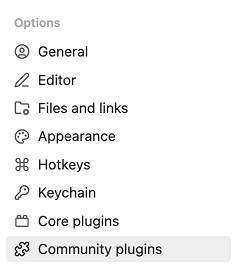
Open Settings → Community plugins and click Browse.

Search for Retype...
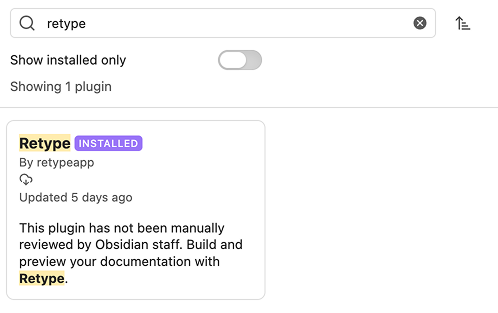
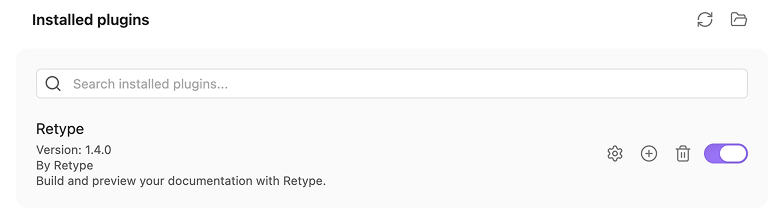
Click Install, then Enable, and Retype will be listed in your Installed plugins.
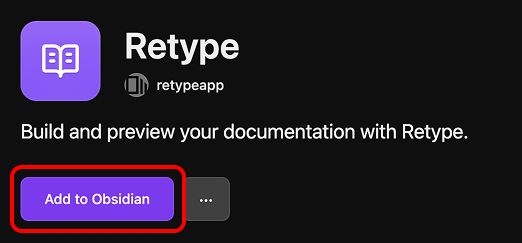
You can also click Add to Obsidian directly from the Community plugin page in your browser.
Open the Retype panel
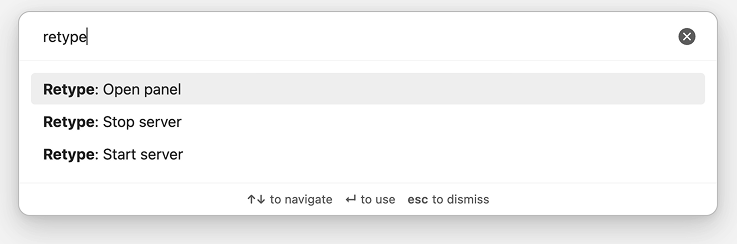
Click the Retype icon in the ribbon, or open the Obsidian command palette and run Retype: Open Retype panel.

If the Retype CLI is not yet installed, the plugin automatically detects and presents an option to install without leaving the Obsidian app.
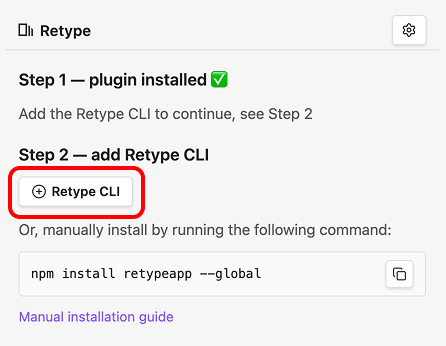
One-click install is available via npm, yarn, or dotnet when any of those are present on your system. See the Installation guide for full installation instructions and options.
Start, Stop, and Build
With Retype installed, the panel shows the full set of controls. The plugin will automatically detect if a retype.yml file is found within your vault.
If a retype.yml project configuration file is not found in your vault, clicking Start or Build will automatically create one for you.
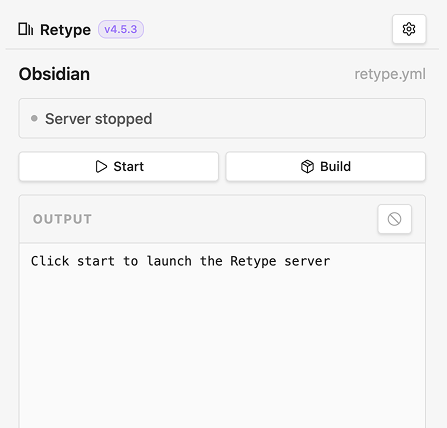
- Start - start the local Retype development server using
retype start - Stop - stop the running server using
retype stop - Build - run a one-off build using
retype build
Live CLI output streams into the scrollable color-coded console at the bottom of the panel.
Preview your site live
When the Retype server starts, the status updates in real time. The panel shows the server as running, and the local URL becomes a clickable link that opens your preview in the browser.
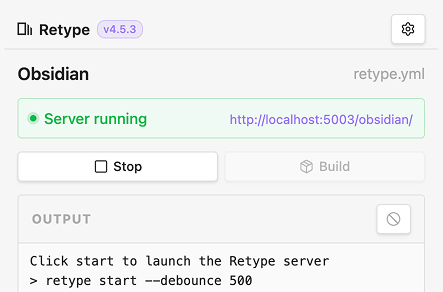
Write a page in Obsidian, save it, and Retype rebuilds automatically. Reload the browser to see the updated page.
Configure the workflow
Open Settings → Retype to adjust the plugin behavior.
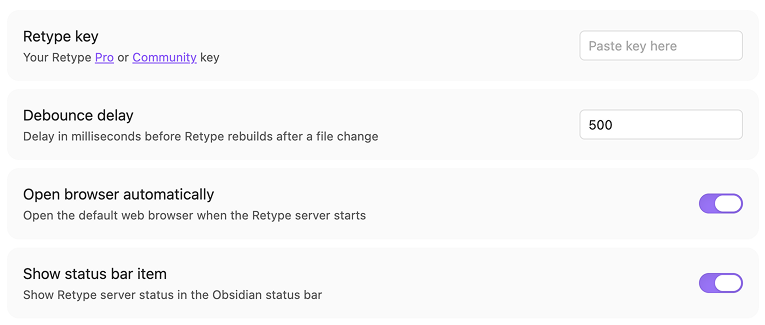
- Retype Key
- Enter your Retype Pro or Community key to unlock Pro features. The key is stored securely in Obsidian's secret storage.
- Debounce delay
- Control the delay before Retype rebuilds after you save changes. Buffers Obsidian auto-save to avoid rapid rebuilds.
- Open browser automatically
- Have Retype open your site preview when the server starts.
- Show status bar item
- Display a compact Retype status indicator at the bottom of the Obsidian window.
Available Commands
Source and feedback
Retype for Obsidian is the official Retype plugin, published under the Apache-2.0 license. The source is on GitHub at retypeapp/retype-for-obsidian.