

Blogging
Adding a blog to your Retype website is as quick as adding a new .md file to your project.
Setup
/blog folder
Create a /blog folder in your project.
Create a new .md file using the format YYYY-MM-DD-title.md with that specific date format as the filename prefix:
/blog/2025-11-15-hello-world.mdOr, give the file any name you like, such as /blog/hello-world.md, and set the date in the page settings:
---
date: 2025-11-15
---
# Hello World
This is my first blog post built with Retype.Run retype start and your blog is live at /blog/.
Retype automatically handles the rest:
- A summary page is generated at
/blog/ - An RSS feed is created
- Each post gets
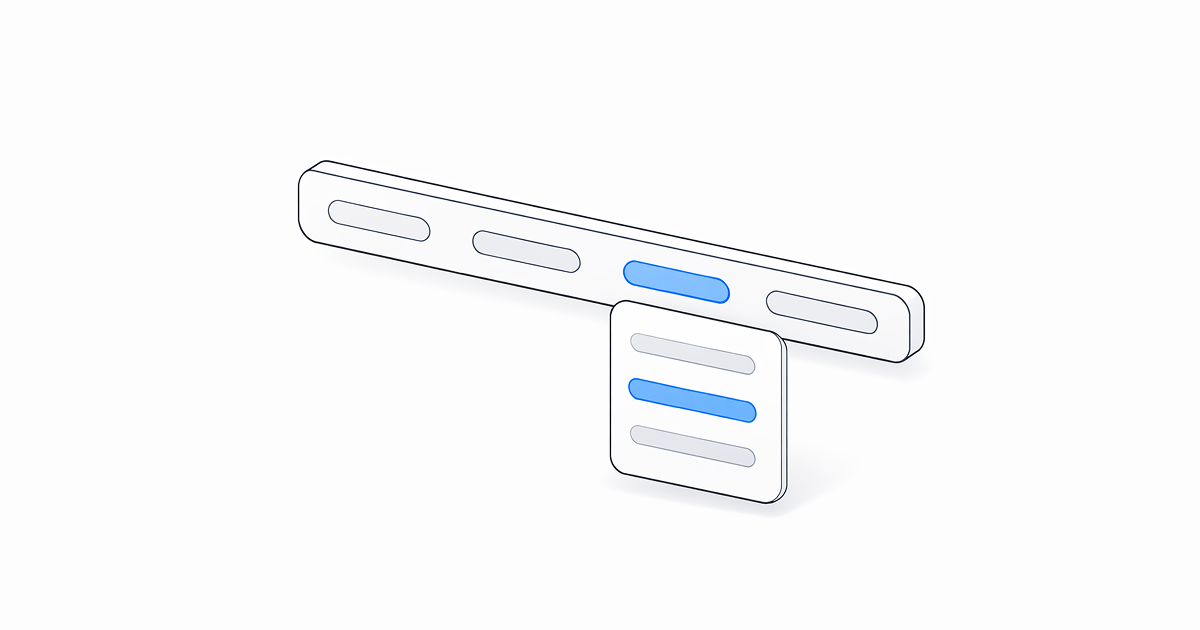
NewerandOldernavigation buttons - Posts are sorted by date, newest first
The date in the filename sets the publish date. You can also set or override the date using the date frontmatter property.
Latest Post
Use the Retype templating engine to dynamically render a Card linking to your most recent blog post:
[!card]({{ content.blog.posts[0].filePath }})

Three Posts
Combine a for loop with vertical cards to display your three most recent posts:
{{ for post in content.blog.posts | array.limit 3 ~}}
[!card vert]({{ post.filePath }})
{{ end }}
Blog summary page
The /blog/ folder can include a index.md (or default.md or readme.md) file to customize the blog summary page heading or add introductory content above the post listing.
# Company Blog

This is our company blog.
Frontmatter
Blog posts support all standard page configuration options. A few are especially useful for blog posts:
---
author: Jane Smith
category: [announcements]
tags: [release, update]
---
author
Set one or more authors for the post. Accepts a simple name, email, or a full author object with name, email, link, and avatar properties.
See the full author documentation for all options.
date
A custom publish date in YYYY-MM-DD format. If set, Retype displays the date at the top of the post and uses it for ordering.
---
date: 2025-11-15
---
If no date is set, Retype uses the date from the filename.
The date must be configured in the YYYY-MM-DD format as this is considered data, but you can configure how the date is displayed to viewer by setting locale.dateFormat.
category
Assign one or more categories. Retype automatically generates category summary pages at /categories/.
---
category: [announcements, engineering]
---
Project configuration
The blog settings in your retype.yml file control the behavior of the blog summary pages.
blog:
  pageSize: 5
  maxResults: 100
  title: News
  base: news
base
The URL base path segment for the blog. Default is "blog".
blog:
  base: news
Setting base: news generates the blog summary at /news/ instead of /blog/. Your blog post files still live in the /blog/ folder in your project source.
layout
Set the default layout for all blog posts. Default is blog. To include the left sidebar tree navigation and the right-side table of contents, set layout: page.
blog:
  layout: page
maxResults
The maximum total number of posts included across all paginated summary pages. Default is all blog posts.
blog:
  maxResults: 100
Posts beyond the limit are excluded from the summary but remain accessible by direct URL.
pageSize
The number of posts displayed per summary page. Default is 10.
blog:
  pageSize: 5
If the total number of posts exceeds the pageSize, Retype automatically generates paginated summary pages.
title
A custom heading for the blog summary page. Default uses the locale translation.
blog:
  title: News & Updates
rss
Use the blog.rss settings in your retype.yml file to customize the generated RSS feed metadata.
blog:
  rss:
    title: News & Updates
    description: Product announcements, release notes, and updates
    copyright: "© Copyright . All rights reserved."
See the blog.rss project configuration documentation for the full list of RSS settings.