

What's New in Retype v3.12

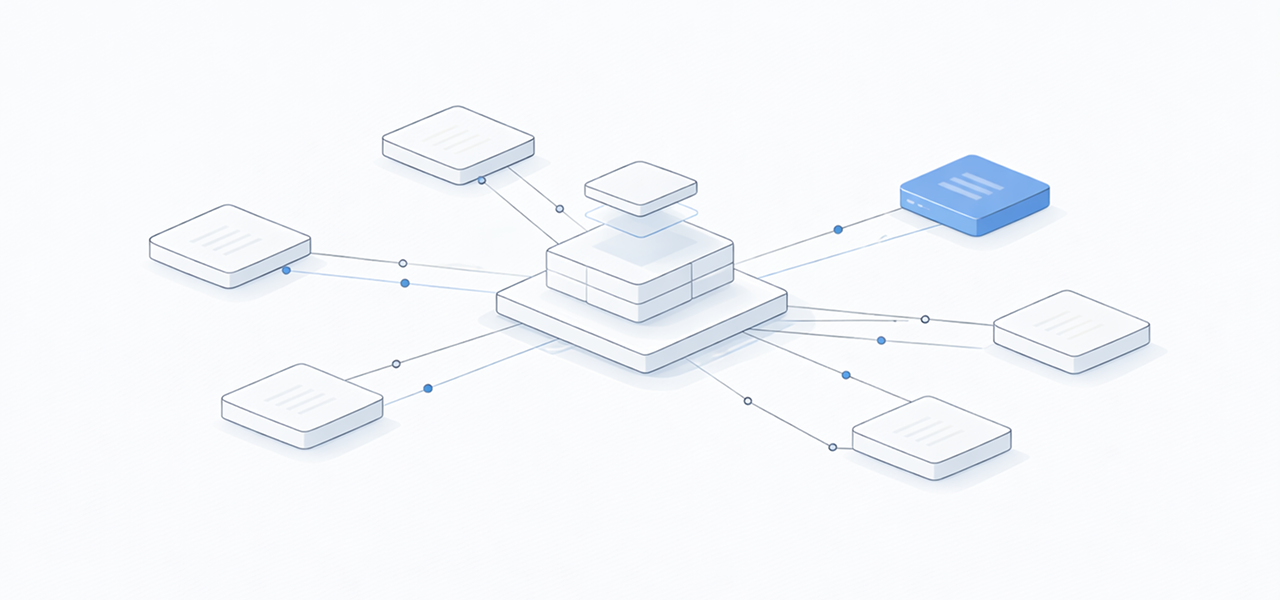
Retype v3.12 brings powerful new features for content discovery, visual design, and theme customization. This release introduces the Backlinks component for Retype Pro, automatic dark mode image switching, color preview chips, enhanced page descriptions, and comprehensive theming improvements.
See the full Changelog and Feature Log for a detailed list of updates in the v3.12 release.
New Backlinks Component
The Backlinks component is a Retype PRO component and requires a key.
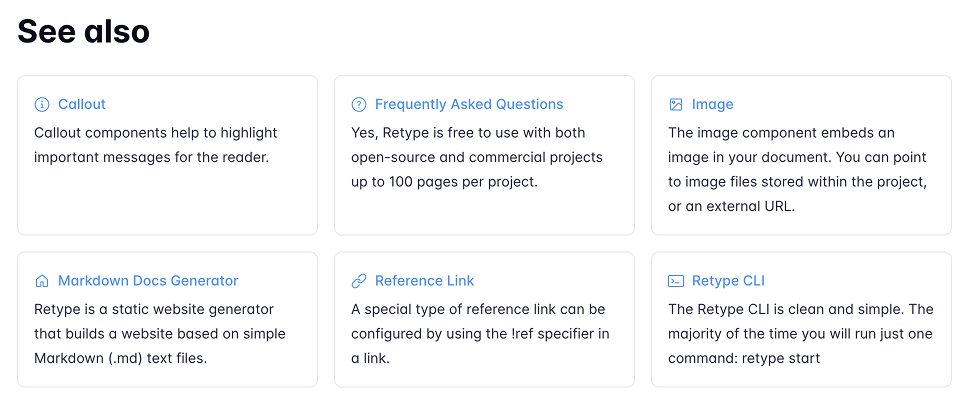
Discover how your content connects with the new Backlinks component. This powerful feature automatically displays all inbound links to a page from other pages within your project, helping users discover related content and understand page relationships.
Automatic Discovery
Backlinks appear automatically at the bottom of pages that have inbound links. No configuration needed. Retype leverages its existing dependency tracking infrastructure to build a web of interconnected content.
Flexible Configuration
Configure backlinks at the project or page level:
# Project configuration
backlinks:
  enabled: true # or false to disable project-wide
  title: "Referenced by"
maxResults: 10---
# Page-level override
backlinks:
enabled: true
title: "See also"
maxResults: 5
---
# Sample page
This is a sample page.Manual Placement
By default, the backlinks are automatically added to the bottom of each page, but you can manually place the component anywhere in your content using the [!backlinks] Markdown component syntax.
# My Page Content

Main content here...

[!backlinks]

Additional content after backlinks...
The Backlinks component creates natural pathways between related topics, improves content discovery, and helps authors see which pages reference their content.
Automatic Dark Mode Image Switching
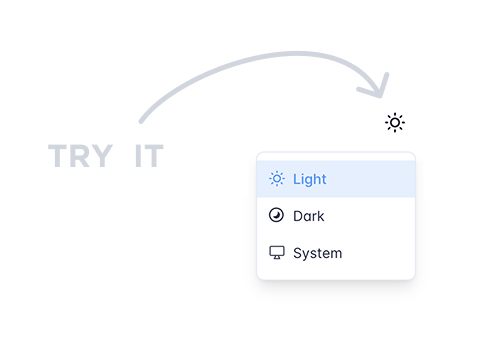
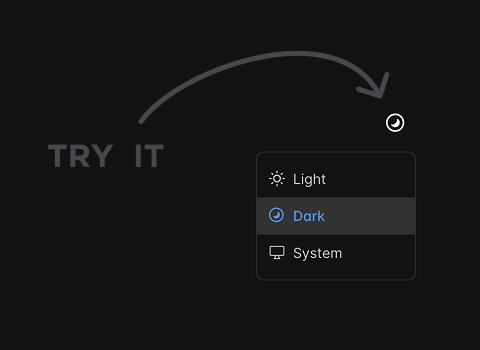
Retype now automatically detects and switches between light and dark image variants based on the active theme. Simply add another image file to your project with the same file name but with a -dark suffix and Retype handles everything else automatically.
Zero Configuration
Drop your dark variant image files alongside the originals with a -dark suffix. No manual configuration required. For example, if you have an image named sample.png, create a dark mode version of the image named sample-dark.png and place it in the same directory.
If no dark variant exists, Retype uses the original image for both light and dark themes.
This feature extends to favicons too. Place a favicon-dark.ico or favicon-dark.svg alongside your standard favicon and Retype automatically switches based on the user's theme preference.
Supported Formats
All standard image formats are supported, including AVIF, BMP, GIF, HEIF, JPEG, JPG, PNG, SVG, and WebP.
Color Preview Chips
Hexadecimal color codes now display with automatic visual previews. When you reference a color in inline code, Retype adds a small circular preview showing the actual color.
Color: #5495f1
Automatic Detection
Works with both 3-digit and 6-digit hex codes:
The primary brand color is `#5495f1` and the accent is `#ff6b35`.

Short format also works: `#abc` or `#F00`.
The primary brand color is #5495f1 and the accent is #ff6b35.
Short format also works: #abc or #F00.
Enhanced Page Descriptions
Define page descriptions using the new triple-star (***) syntax blocks placed immediately following H1 headings. Descriptions render visually below the title and populate meta tags for SEO.
# Page Title

***
This custom description appears below the page title.
***

Regular content starts here.
Dual-Source Support
Use the description page setting for meta tag value and *** for page content:
---
description: "SEO-optimized description for description meta tag"
---
# Page Title

***
A more detailed, visually formatted description with **emphasis** for readers.
***
Content Restrictions
Descriptions support single paragraphs with limited inline formatting: bold, italic, inline code, strikethrough, and emojis. Links, images, and HTML tags are prohibited to ensure clean metadata.
Expanded Heading Theme Variables
Comprehensive theme customization for headings H1 through H6. Control border, margin, padding, color, weight, casing, and font size individually for each heading level.
/* Individual heading customization */
--heading-h1-font-size: 2.5rem;
--heading-h1-margin-bottom: 2rem;
--heading-h1-border-top: var(--transparent);
--heading-h1: var(--heading-text);
--heading-h1-weight: var(--heading-weight);
--heading-h1-case: var(--heading-case);
Each heading level (H1-H6) has its own set of variables for precise control over typography and spacing.
Write On!
Retype v3.12 delivers powerful new capabilities for content discovery, visual design, and customization. The Backlinks component helps users navigate interconnected documentation. Automatic dark mode image switching ensures your visuals look great in any theme. Color preview chips bring design documentation to life. Enhanced page descriptions provide better SEO and visual appeal.
Try out the latest Retype release and experience these new features. Share your feedback with us on X or open a GitHub Issue. Your input continues to shape the future of Retype.